Heartopia · Checked November 9, 2026
Games Like Heartopia for Social Play, Farming and Decorating
For a shared-world hobby loop, compare Palia. For farming and longer-term goals, look at Stardew Valley. For island decorating and a daily routine, consider Animal Crossing: New Horizons. Choose around your favorite activity and current device.
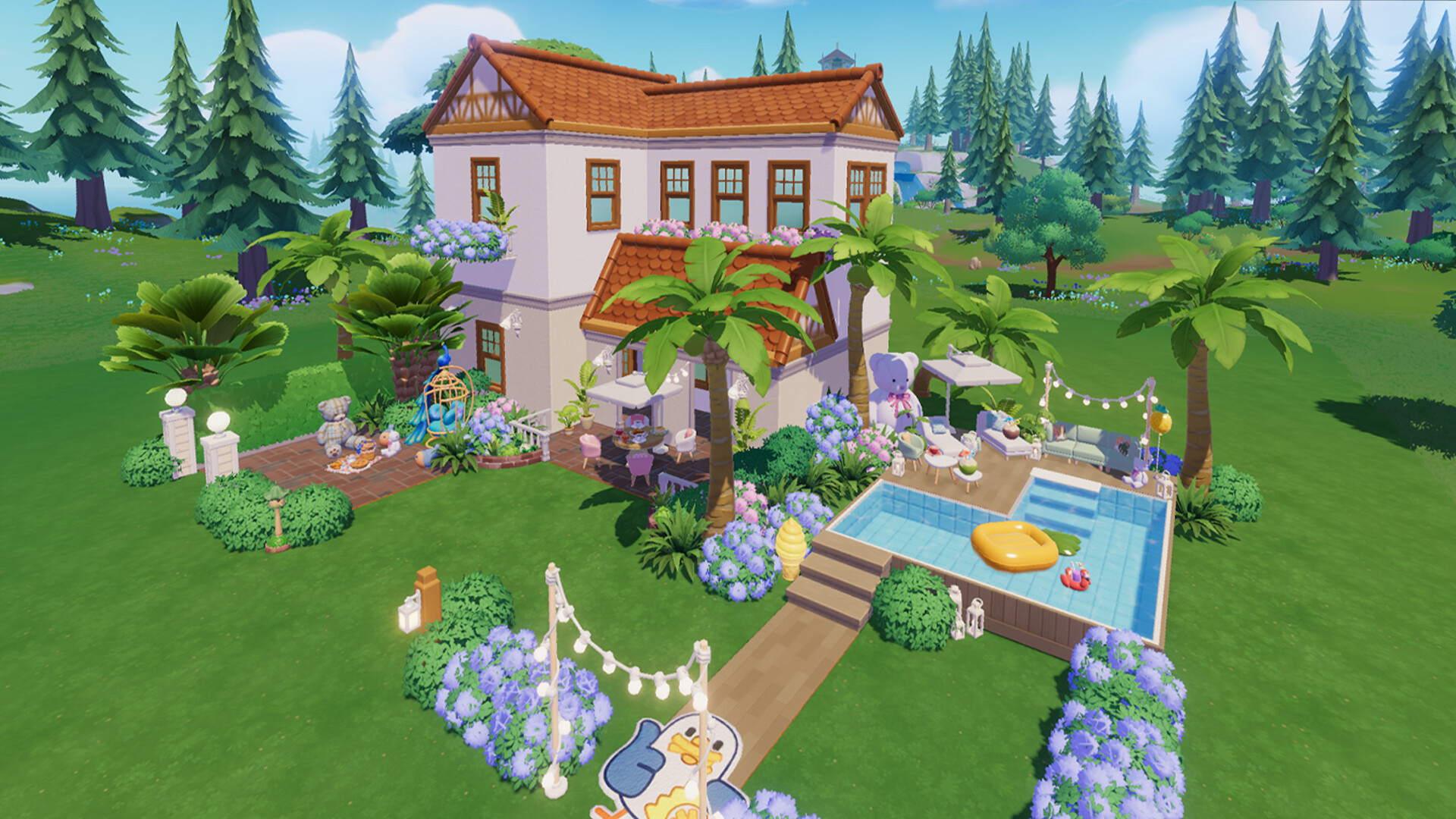
Choose the activity you want to keep
| Your priority | Compare first | Check before choosing |
|---|---|---|
| Online gathering, fishing and a home plot | Palia | Supported devices and joining friends |
| Farming, town relationships and progression | Stardew Valley | Platform-specific co-op and the daily clock |
| Island landscaping and furnishing | Animal Crossing: New Horizons | Nintendo hardware and visit requirements |
These are editorial matches based on published features. Start with the row closest to a normal Heartopia session for you.
Stardew Valley for farming goals
Stardew Valley centers progression on a farm, a town, seasonal activities and relationships. Steam supports single-player and cooperative play. Its PC listing also includes macOS, making it worth checking if native Mac support is why you want an alternative.
Compare its day clock and farming workload before buying for a group. Check the exact edition’s multiplayer support when someone will play on a phone. Official Stardew Valley Steam listing ↗
Animal Crossing for island life
New Horizons focuses on building an island life, collecting and furnishing spaces. Nintendo’s listing explains local and online ways to play together. It suits players who enjoy changing their environment and returning for a daily routine.
Check supported Nintendo hardware, player limits and Nintendo Switch Online requirements for the activity you want. Plan around island visits when comparing its social loop with Heartopia. Official Nintendo listing ↗
Before switching
- Write down your two favorite Heartopia activities.
- Check whether the alternative runs on your current device.
- If friends matter, verify multiplayer arrangements and platforms.
- Compare purchase model, optional spending and session length.
- Watch current gameplay of those activities before committing.
For other options, our Loftia guides and Petit Planet overview explain their own availability and gameplay scope.
Palia for a shared world
Palia combines a home plot with gathering, fishing, crafting and other players in an online world. Steam lists it as free-to-play, with purchases offered separately. Compare it first if your favorite Heartopia sessions involve hobbies with friends.
Before moving a group, check supported stores for everyone’s devices and how joining friends works. A free download still needs a compatible device and online access. Official Palia Steam listing ↗