Heartopia · Checked November 12, 2026
Heartopia Update Guide: November 2026 Client and New Features
The November 11 maintenance notice requires a full client update. Its UTC-5 window converts to November 12, 04:00–07:00 in China. Check subsequent official notices for completion status.
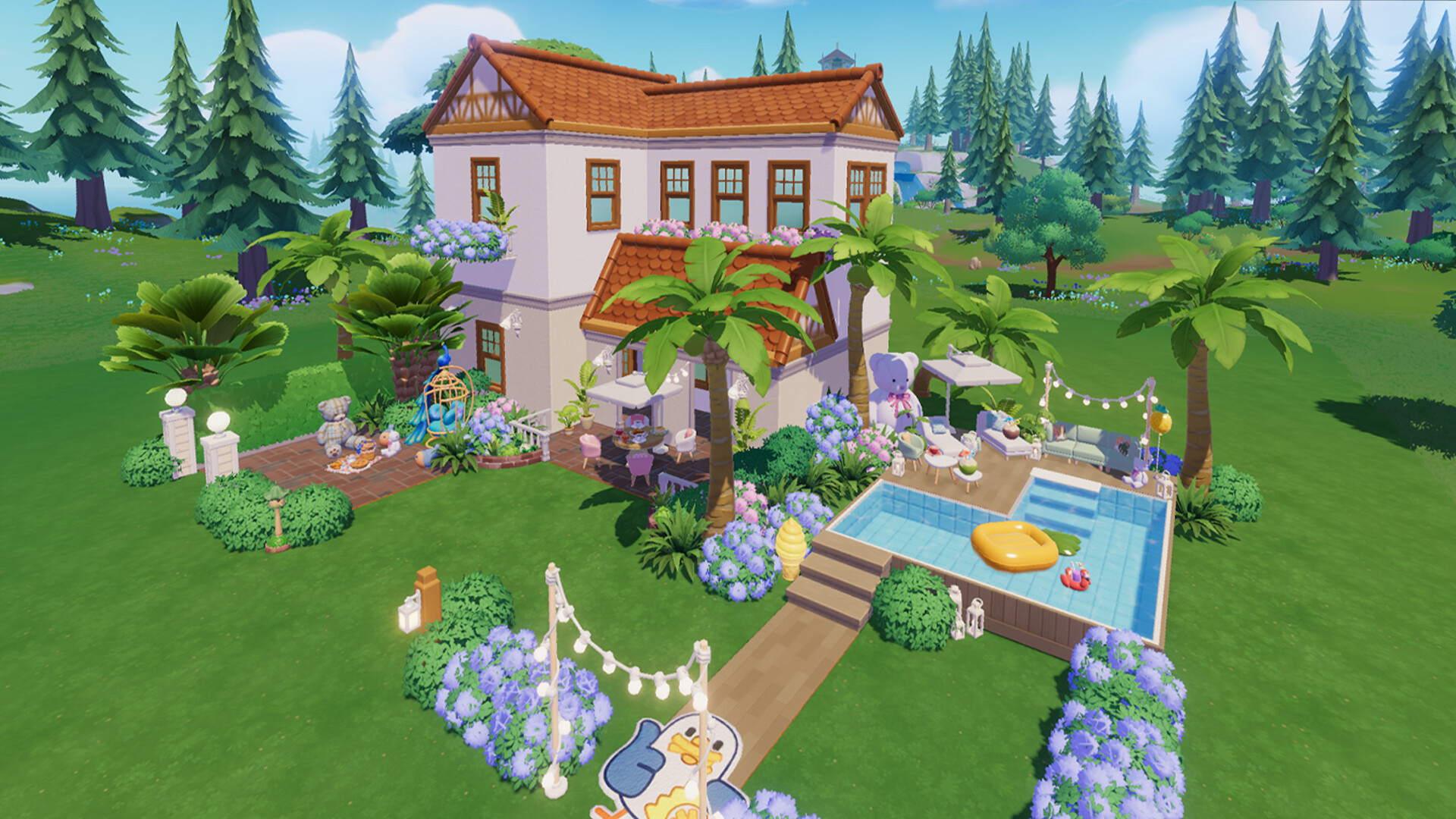
Get the supported client
- Open the store or launcher used for your installation.
- Install the full available client update.
- Check account linking before any reinstall.
- If login fails, read the latest maintenance notice and record the displayed error.
Use the download guide to find the official platform route. Keep the receipt or account details available when contacting support about a purchase or login problem.
Choose your next task
Dance Creation requires D.G. Level 18 and the main story “The Answer Lies Within.” Birthday settings require D.G. Level 10 and that story. The new MLP schedule begins with a November 14 pre-event and November 21 activities. Official maintenance details
If you want choreography, check your quest list for “Let the Dance Begin!” and follow its store purchase. If you want the collaboration, open the MLP guide and plan around the timer of each activity.
Compare announcements with the installed game
Keep three details together when diagnosing an update problem — the platform, installed version and announcement date. If a feature is absent, check the stated level and story requirement, then the event opening date. A scheduled activity may open after the client update itself.
This page is a dated November 12 review. Follow the official announcement feed for later patches and use the in-game notice for any revised maintenance window.